 CTRL
CTRLDeploying CTRL
Overview to get a production instance of CTRL up and running.
Purpose/Aim
This guide aims to provide a clear step-by-step process for deployment the CTRL platform using Kubernetes and Helm on a VM.
Tools
- helm - package manager for Kubernetes that automates the creation, packaging, and deployment of applications. It allows you to reuse charts (packages of YAML templates) and provides an easy way to manage configurable deployments through values.yaml.
- kubernetes - open-source container orchestration system used to automate the deployment, scaling, and management of containerised applications. It uses declarative configuration via YAML files and CLI tools (
kubectl) to manage services and infrastructure.
Process
-
Set up Kubernetes (k3s recommended)
Install a Kubernetes distribution in order to orchestrate the ctrl deployment (k3s is our preferred distribution, see instructions).
-
Prepare Configuration (
values.yaml)Installation is via the GUARDIANS Helm chart which includes cert-manager for TLS and Nginx-ingress
Refer: https://github.com/Garvan-Data-Science-Platform/guardians-charts/blob/main/guardians/values.yaml
Create a
values.yamlfile to define deployment-specific configuration:elsa: enabled: false ctrl: config: smtp: - host: mailerexample.host.com port: 587 username: user password: password userClient: hostname: admin.[your.ctrl.org.au] adminClient: hostname: admin.[your.ctrl.org.au] ingress: enabled: true annotations: acme.cert-manager.io/http01-edit-in-place: "true" cert-manager.io/issuer: "letsencrypt-prod" hosts: userClient: host: admin.[your.ctrl.org.au] adminClient: host: admin.[your.ctrl.org.au] tls: - hosts: - admin.[your.ctrl.org.au] secretName: cert-manager-user-tls - hosts: - admin.[your.ctrl.org.au] secretName: cert-manager-admin-tls letsencryptEmail: you@example.comNOTE(s):
- Make sure your domain names (e.g. your.ctrl.org.au) are pointing to your server or VM's public IP via DNS.
- TLS support requires cert-manager (on by default)
-
Install Helm
Install helm to automate the configuration using CTRLs helm charts (see instructions). Helm charts can also be installed with the helm Terraform provider.
-
Deploy CTRL w/ Helm
helm upgrade --install <release-name> oci://australia-southeast1-docker.pkg.dev/dsp-registry-410602/garvan-public/guardians -f <path/to/values.yaml> --kubeconfig /etc/rancher/k3s/k3s.yamlNOTE(s):
- <release-name> e.g.
garvan-ctrl - <path/to/values.yaml> e.g.
~/values.yaml /etc/rancher/k3s/k3s.yaml- This path by default. Replace with your actual kubeconfig path if different
- <release-name> e.g.
-
Verify Deployment
use
kubectlto verify that the deployment was successful:# Check running pods kubectl get pods✅ All pods will reach the Running state with no crash loops or errors.
-
Access CTRL in Browser
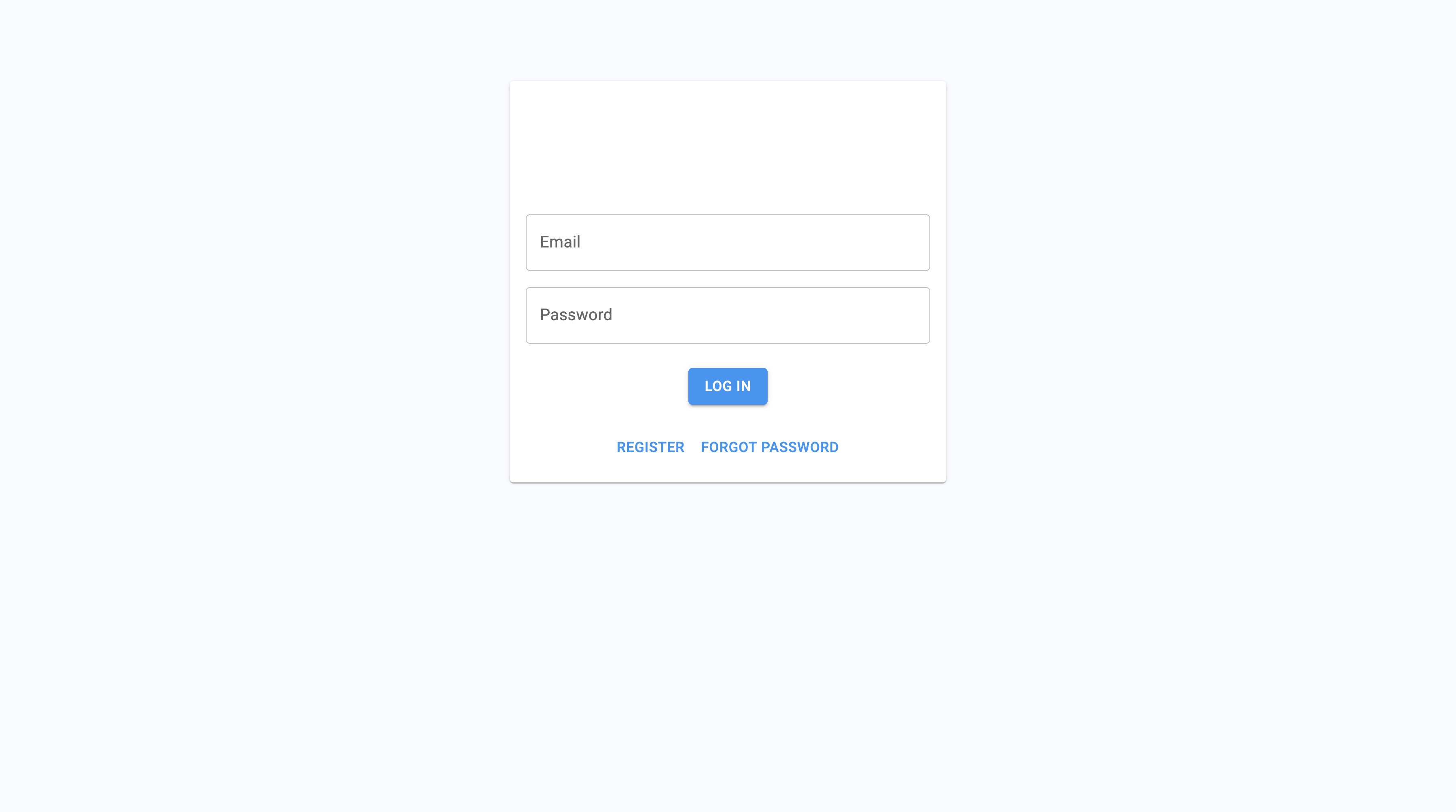
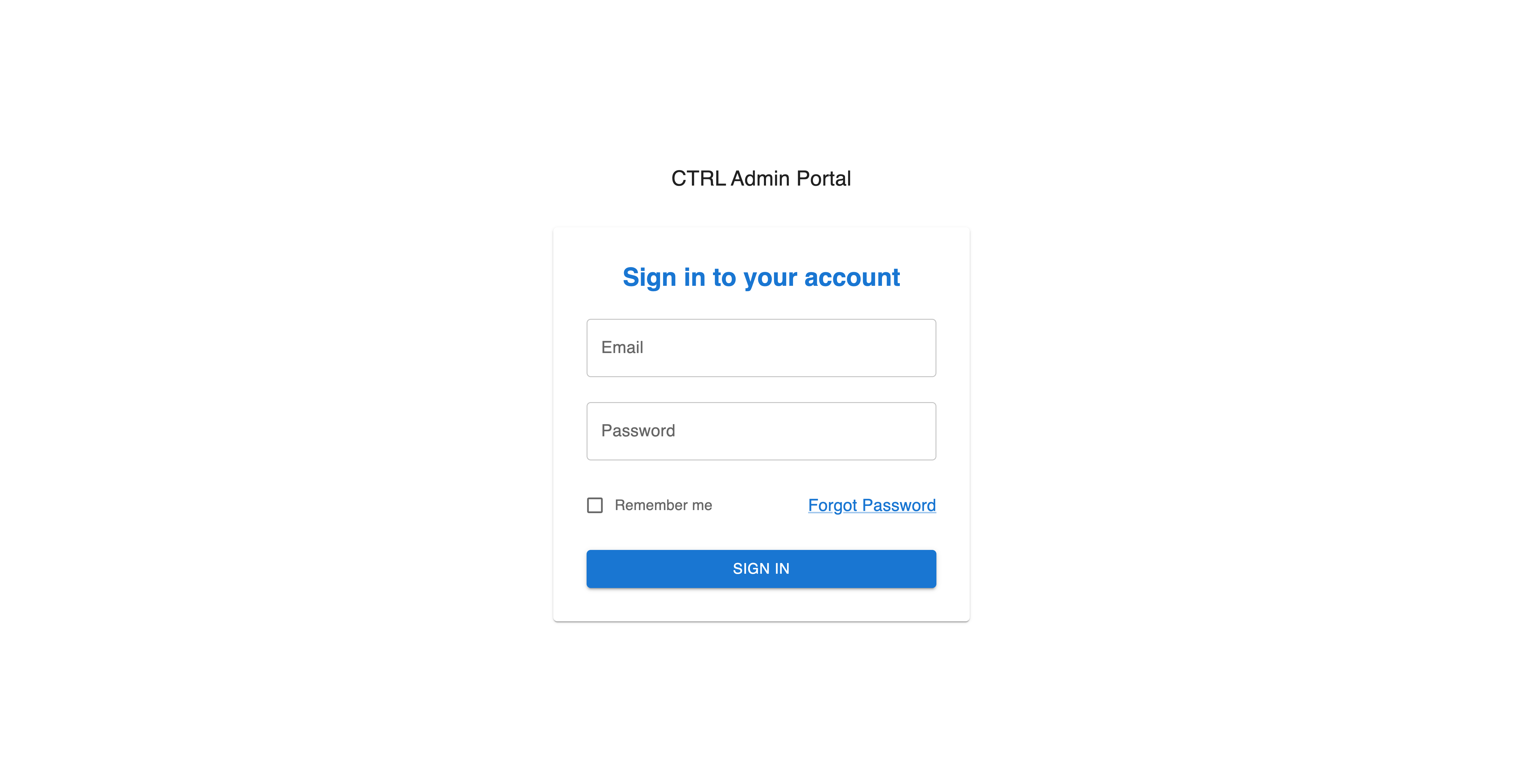
Navigate to the domain(s) you configured to confirm that the CTRL user portal and admin portal are running.